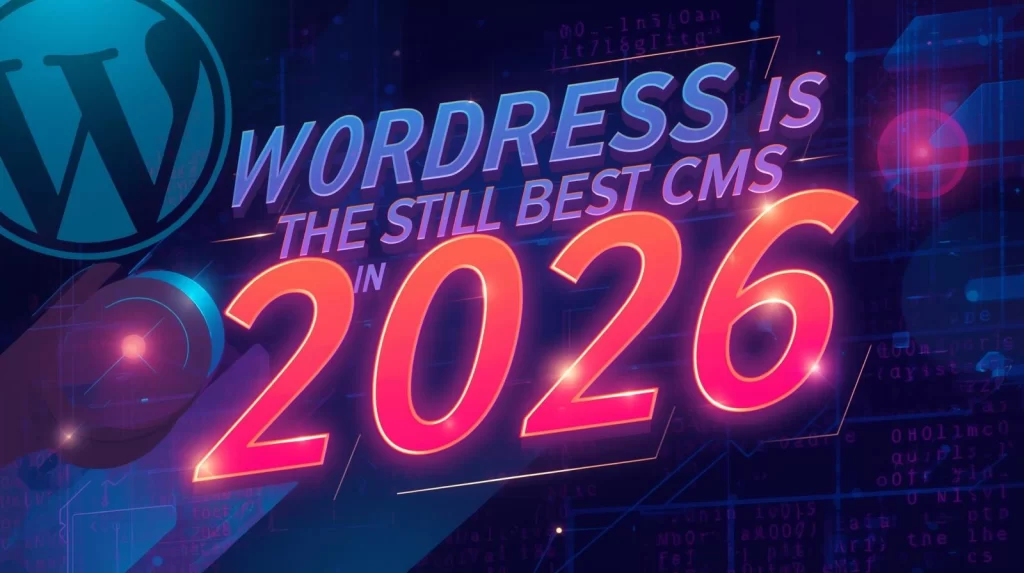
Why WordPress is Still the Best CMS in 2026
Are you struggling to choose the best Content Management System (CMS) for your website in 2026?
You’re not alone. With so many options on the market, from Wix to Drupal, it’s easy to feel overwhelmed. But despite the competition, WordPress still reigns supreme as the go-to platform for website development.
In fact, over 40% of websites on the internet are built with WordPress, and this number continues to grow. From its unmatched flexibility to its robust community and SEO capabilities, WordPress remains the best CMS for businesses and marketers alike.
In this article, we’ll dive into why WordPress continues to be the number one CMS choice in 2026. You’ll learn about its key features, the latest CMS trends, and why businesses worldwide trust it to power their online presence.
Professional Website Development & SEO Services – Grow Online Fast
Why is WordPress Still the Best CMS in 2026?
1. What Makes WordPress the Leading CMS for 2026?
WordPress has evolved from a blogging platform to a powerhouse for all types of websites, from eCommerce stores to complex corporate sites. Its continuous updates and improvements ensure it stays ahead of its competitors.
Key Features:
- Open-Source Flexibility: WordPress allows full customization. Developers and users can tweak everything from the front end to the backend, creating a truly unique website.
- Massive Plugin Library: With over 58,000 plugins, WordPress offers tools for virtually every need: from SEO optimization to security enhancements.
- Community Support: WordPress has one of the largest communities of developers, designers, and users. This ensures that there are always solutions to any problems you might encounter.
The ability to scale, modify, and integrate with other tools makes WordPress the ideal choice for businesses of all sizes.
2. How Does WordPress Support SEO Better Than Other CMSs?
One of the main reasons WordPress still dominates is its SEO-friendliness. With constant updates to SEO-related features and plugins like Yoast SEO and RankMath, WordPress ensures that websites built on it have the best chance to rank higher on search engines.
SEO-Optimized Features:
- Clean Code: WordPress’s code is clean, meaning search engines can easily crawl and index your pages.
- Mobile-Friendly Design: With Google’s emphasis on mobile-first indexing, WordPress’s themes are designed to be fully responsive, ensuring your website looks great on all devices.
- SEO Plugins: Yoast SEO and RankMath are widely regarded as the best SEO plugins available. These tools help businesses optimize their content by suggesting improvements for metadata, content structure, keywords, and readability.
Businesses that rely on search traffic benefit from WordPress’s constant focus on enhancing SEO performance.
[showdpt instance=”0″]
3. Is WordPress Easy to Use for Non-Developers?
WordPress’s user-friendliness is one of the key reasons it has remained so popular. Even those without technical expertise can set up, manage, and scale their websites thanks to its intuitive interface and extensive resources.
Benefits for Non-Developers:
- Visual Editor (Gutenberg): The Gutenberg block editor allows users to create complex layouts without needing to know any code. This reduces reliance on developers for day-to-day content updates.
- Drag-and-Drop Page Builders: Tools like Elementor, Beaver Builder, and WPBakery offer simple drag-and-drop functionality, allowing users to design their websites quickly.
- Extensive Documentation: WordPress’s vast repository of tutorials, blogs, and video guides makes it easy for non-developers to learn how to optimize their websites.
For business owners looking to reduce their reliance on developers, WordPress is the perfect solution.
4. How is WordPress Keeping Up With CMS Trends in 2026?
In 2026, the CMS landscape has evolved, and WordPress has kept pace with the latest trends. From headless CMS capabilities to enhanced performance optimization, WordPress is adapting to the needs of modern website development.
CMS Trends WordPress is Embracing:
- Headless WordPress: As businesses demand more flexibility, WordPress has adopted the headless CMS model, allowing it to be used for single-page applications (SPAs) and other custom front-end frameworks.
- AI Integration: WordPress has started integrating artificial intelligence (AI) for personalized content, SEO optimization, and better customer experiences.
- Enhanced Performance: The introduction of features like lazy loading and image optimization ensures that WordPress sites are fast, even with large media files.
By embracing these trends, WordPress remains relevant and adaptable to the changing demands of the web.
5. Can WordPress Handle E-commerce Effectively in 2026?
Absolutely. WordPress powers some of the most popular eCommerce websites in the world, and platforms like WooCommerce (a plugin for WordPress) continue to evolve and improve.
E-commerce Features:
- Customizable Product Pages: With WordPress, you can fully customize your product pages to match your brand’s aesthetics and functionality.
- Payment Gateway Integrations: WordPress supports a wide variety of payment options, including PayPal, Stripe, and bank transfers, making it easy for businesses to handle transactions.
- Inventory Management: Plugins and built-in features offer robust inventory tracking and order management, essential for businesses scaling their online stores.
For entrepreneurs looking for a scalable, customizable eCommerce solution, WordPress + WooCommerce is the best combination.
6. Is WordPress Secure in 2026?
Security remains one of the top concerns for businesses and website owners. WordPress addresses security challenges through regular updates, robust plugins, and best practices for securing websites.
Key Security Measures:
- Automatic Updates: WordPress automatically pushes security updates to ensure your website remains protected against the latest vulnerabilities.
- Security Plugins: Plugins like Wordfence, Sucuri, and iThemes Security offer an added layer of protection against threats like hacking, malware, and spam.
- Two-Factor Authentication: Adding two-factor authentication to WordPress websites further enhances security, making unauthorized access much harder.
With these features, WordPress continues to ensure that websites built on its platform are secure, even as cyber threats grow.
7. Why Should You Choose WordPress Over Other CMS Options in 2026?
While other CMS platforms like Wix, Joomla, and Drupal have their merits, WordPress outperforms them in several key areas that make it the best choice for website development in 2026.
Key Advantages of WordPress:
- Scalability: WordPress can handle anything from small blogs to large enterprise websites without compromising performance.
- Customizability: With thousands of themes and plugins, WordPress allows for complete customization, ensuring your website reflects your brand’s unique needs.
- SEO Capabilities: WordPress’s built-in SEO features and plugins make it easier for websites to rank higher on search engines.
When compared to other CMSs, WordPress offers unmatched flexibility, scalability, and SEO benefits that make it the clear winner.
Conclusion
In conclusion, WordPress continues to be the best CMS in 2026 due to its flexibility, scalability, and the vast resources available to businesses of all sizes. Whether you’re running a blog, an eCommerce site, or a corporate website, WordPress provides all the tools you need to succeed.
With its continued evolution, support for modern trends like headless CMS, and robust security measures, WordPress is a safe and effective choice for anyone looking to create a professional website.
So, whether you’re just starting out or looking to migrate to a more powerful platform, WordPress remains the best CMS for your business needs.
Call to Action: Ready to start your WordPress development journey? Contact us today to get started with expert WordPress development services tailored to your business needs!
FAQ Section
1. Why is WordPress so popular?
WordPress is popular because it’s open-source, highly customizable, and has a large community of developers, designers, and users. It’s also user-friendly and offers robust features for SEO and content management.
2. How much does WordPress development cost?
The cost of WordPress development varies depending on the complexity of the project. Simple blogs may cost a few hundred dollars, while large eCommerce sites may cost several thousand. It’s best to get a custom quote based on your needs.
3. Is WordPress good for SEO?
Yes, WordPress is excellent for SEO. It has built-in features like clean code and mobile-friendly design, plus powerful SEO plugins like Yoast SEO and RankMath that help optimize your site for search engines.
4. Can WordPress handle large websites?
Absolutely. WordPress is highly scalable and can handle websites of all sizes, from small blogs to large enterprise sites. With the right hosting and optimization, it can easily handle high traffic.
5. Is WordPress secure in 2026?
Yes, WordPress is secure in 2026. It regularly releases updates and has a range of security plugins like Wordfence and Sucuri to keep your site safe from threats.
6. Can I sell products with WordPress?
Yes, with plugins like WooCommerce, WordPress allows you to set up a fully functioning online store, manage inventory, process payments, and handle orders.
7. How often do I need to update my WordPress site?
WordPress frequently releases updates for its core, themes, and plugins. It’s important to update your site regularly to ensure it stays secure and performs optimally.